Dust to Dollars, screen by screen.
Six connected application screens, shown on a computer and a phone. Select any image to view its full size.
Desktop screens
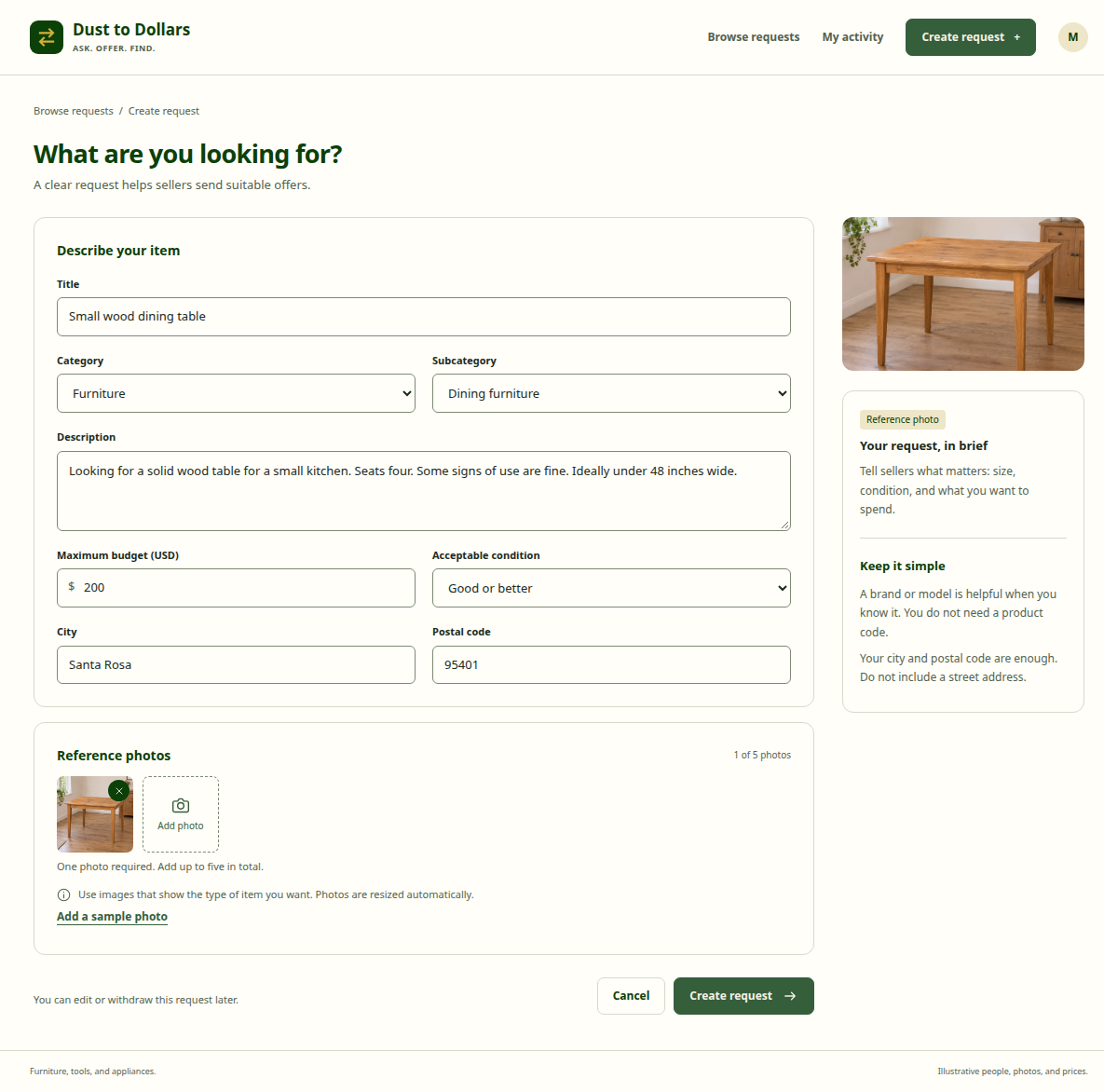
1. Create a request
Describe the wanted item and add reference photos.
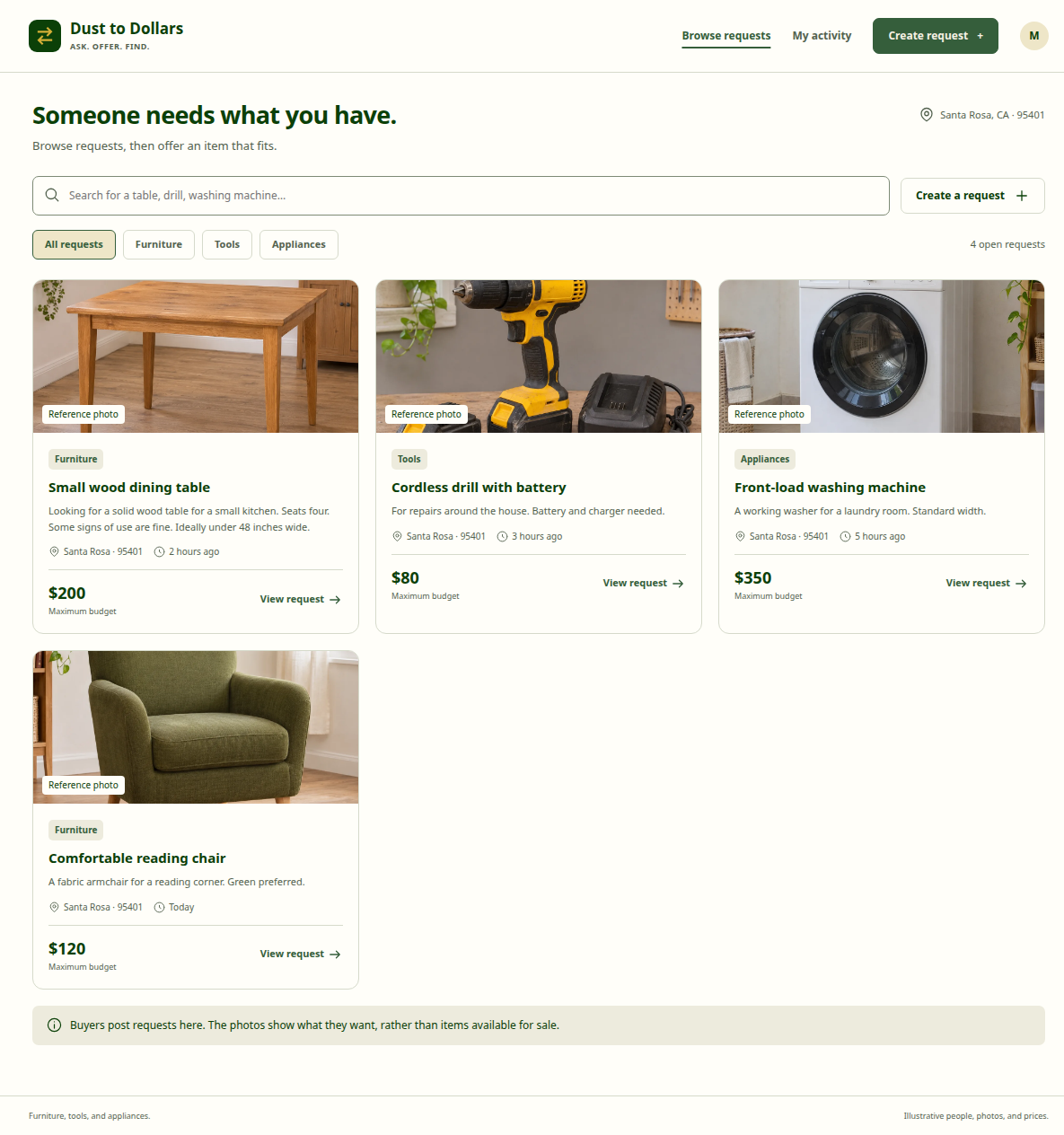
2. Browse requests
Find requests for furniture, tools, and appliances.
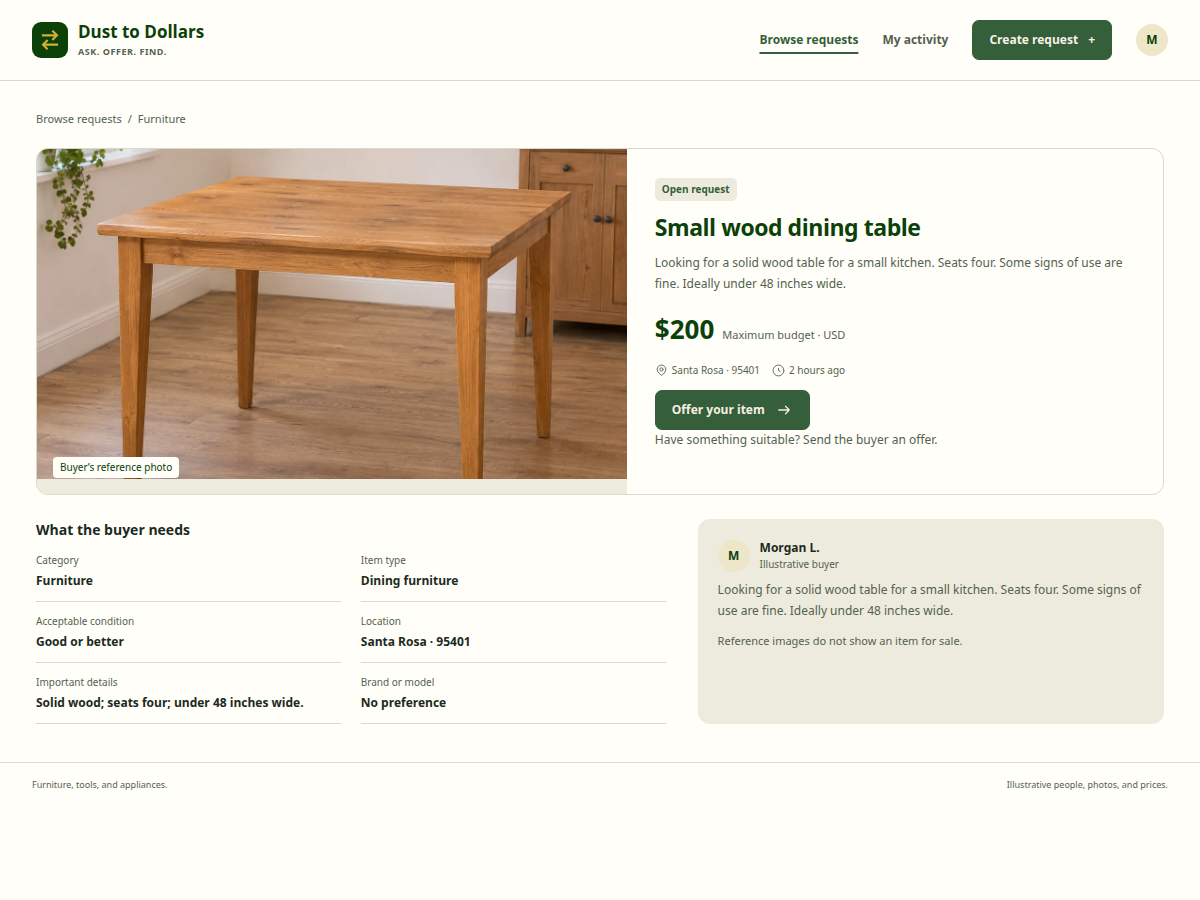
3. Review a request
Check the item requirements, budget, and location.
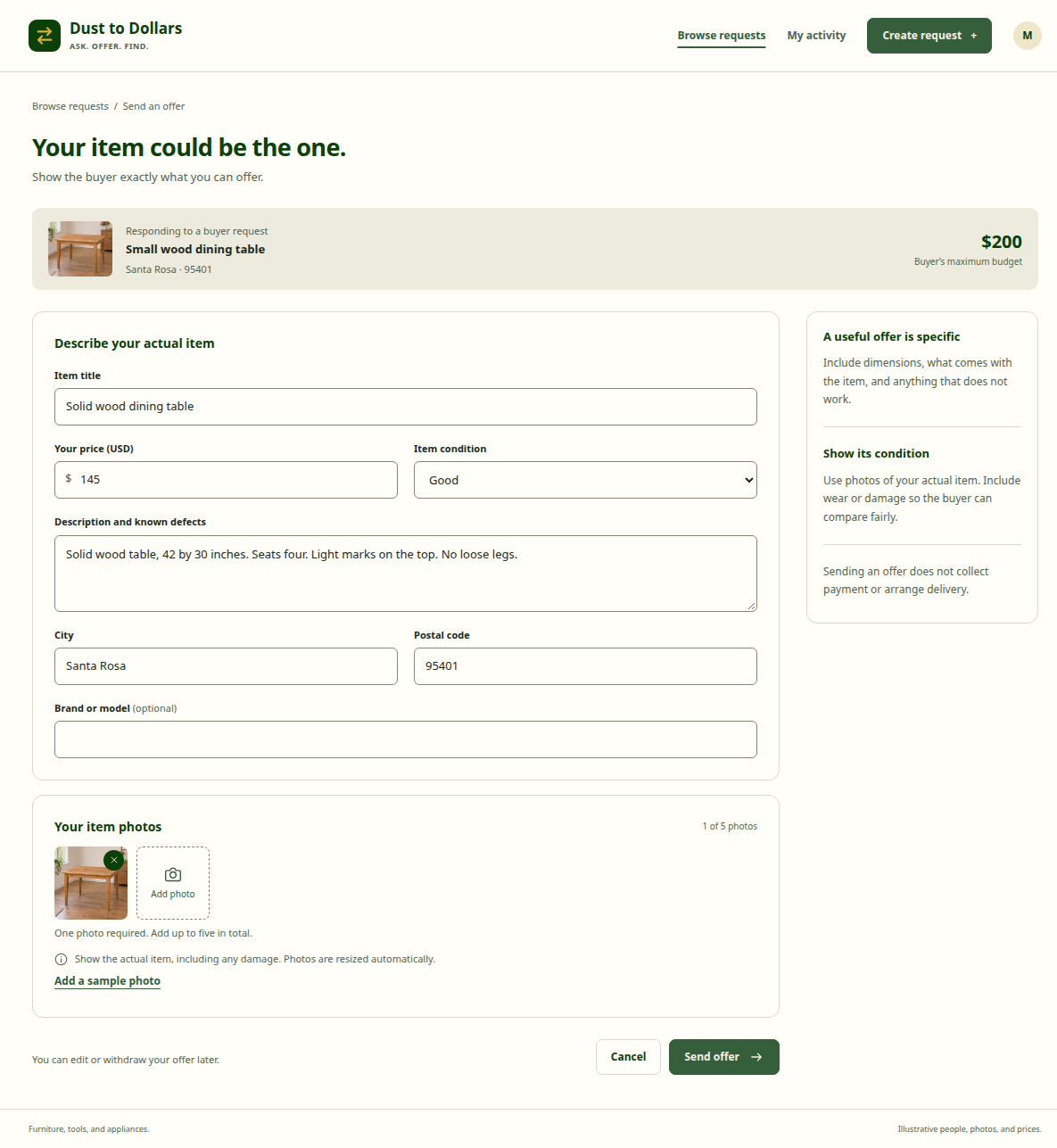
4. Send an offer
Show the actual item, its condition, and its price.
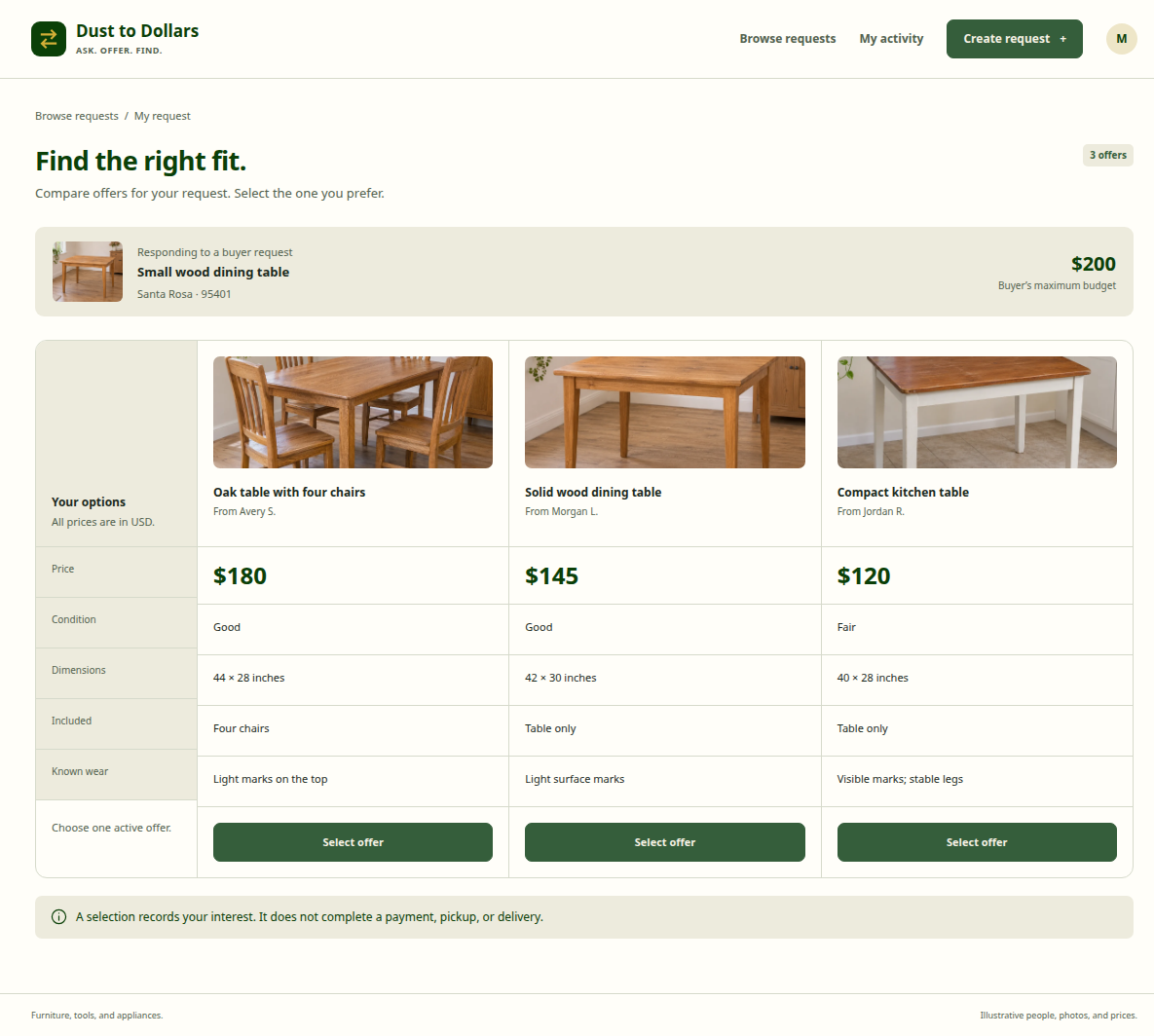
5. Compare offers
Review the differences and select one active offer.
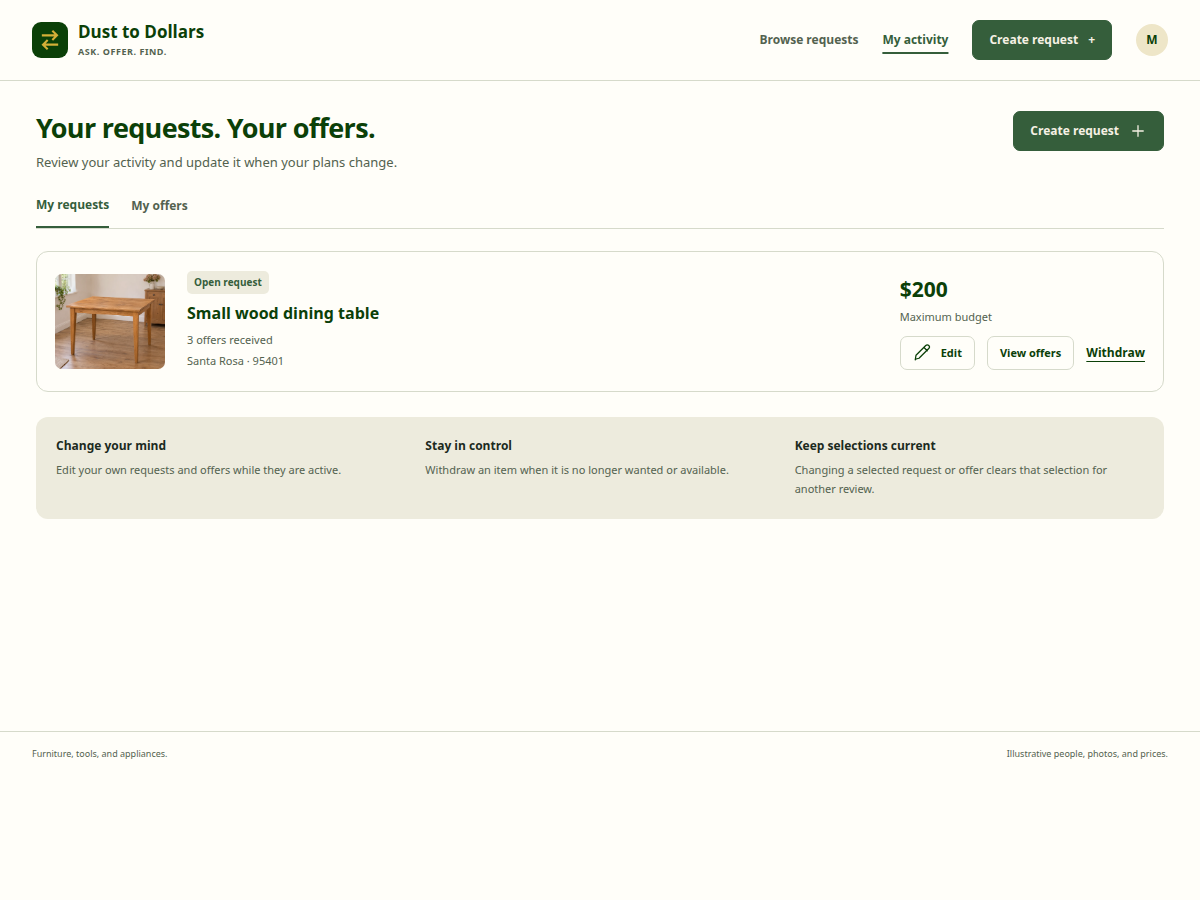
6. Manage your activity
Edit or withdraw your own requests and offers.
Phone screens
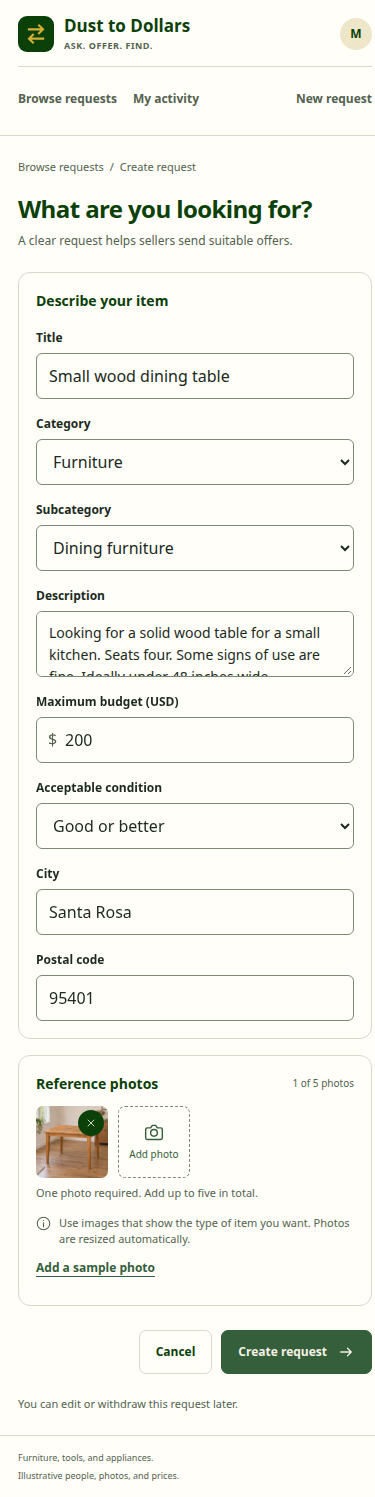
1. Create a request
Describe the wanted item and add reference photos.

2. Browse requests
Find requests for furniture, tools, and appliances.
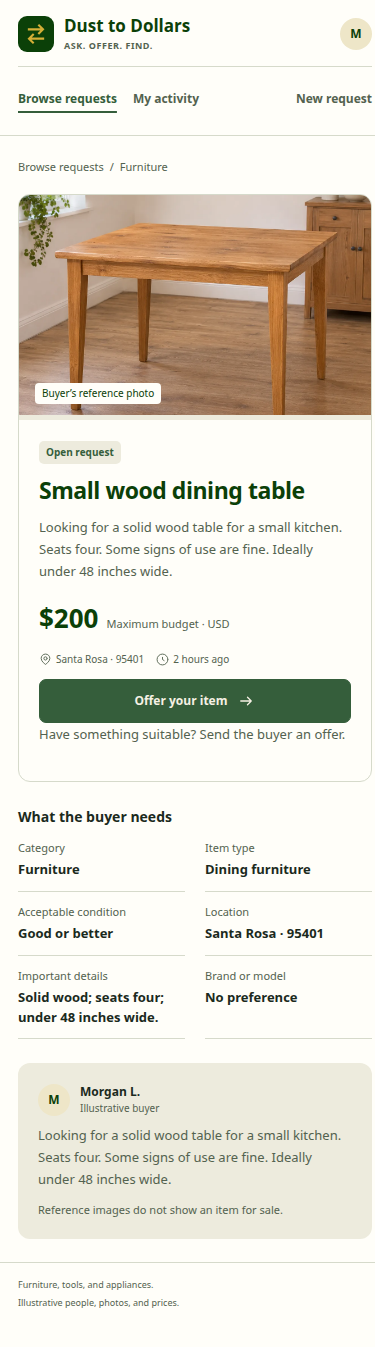
3. Review a request
Check the item requirements, budget, and location.
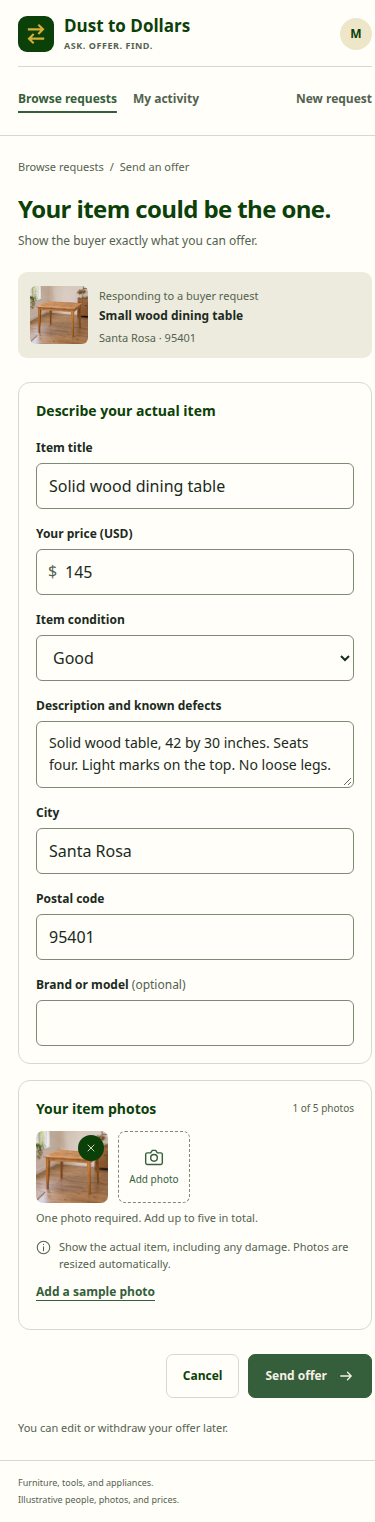
4. Send an offer
Show the actual item, its condition, and its price.

5. Compare offers
Review the differences and select one active offer.
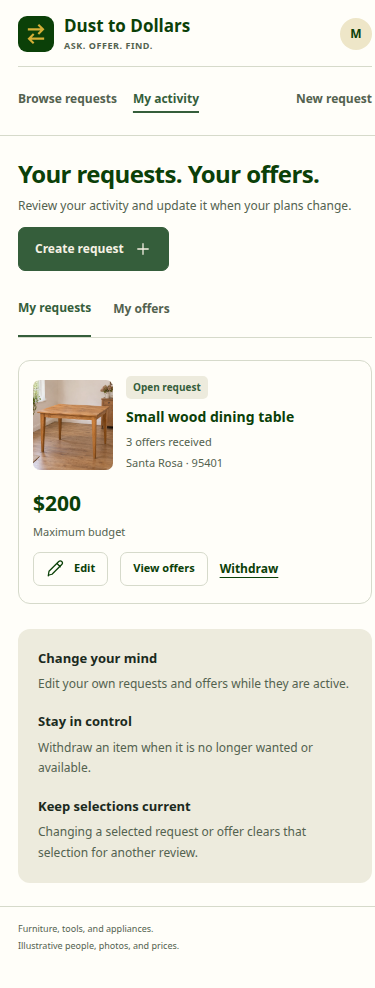
6. Manage your activity
Edit or withdraw your own requests and offers.
Illustrative content and generated photos. These screens do not represent available items or completed transactions.